 Elephants
What ElephantsData does
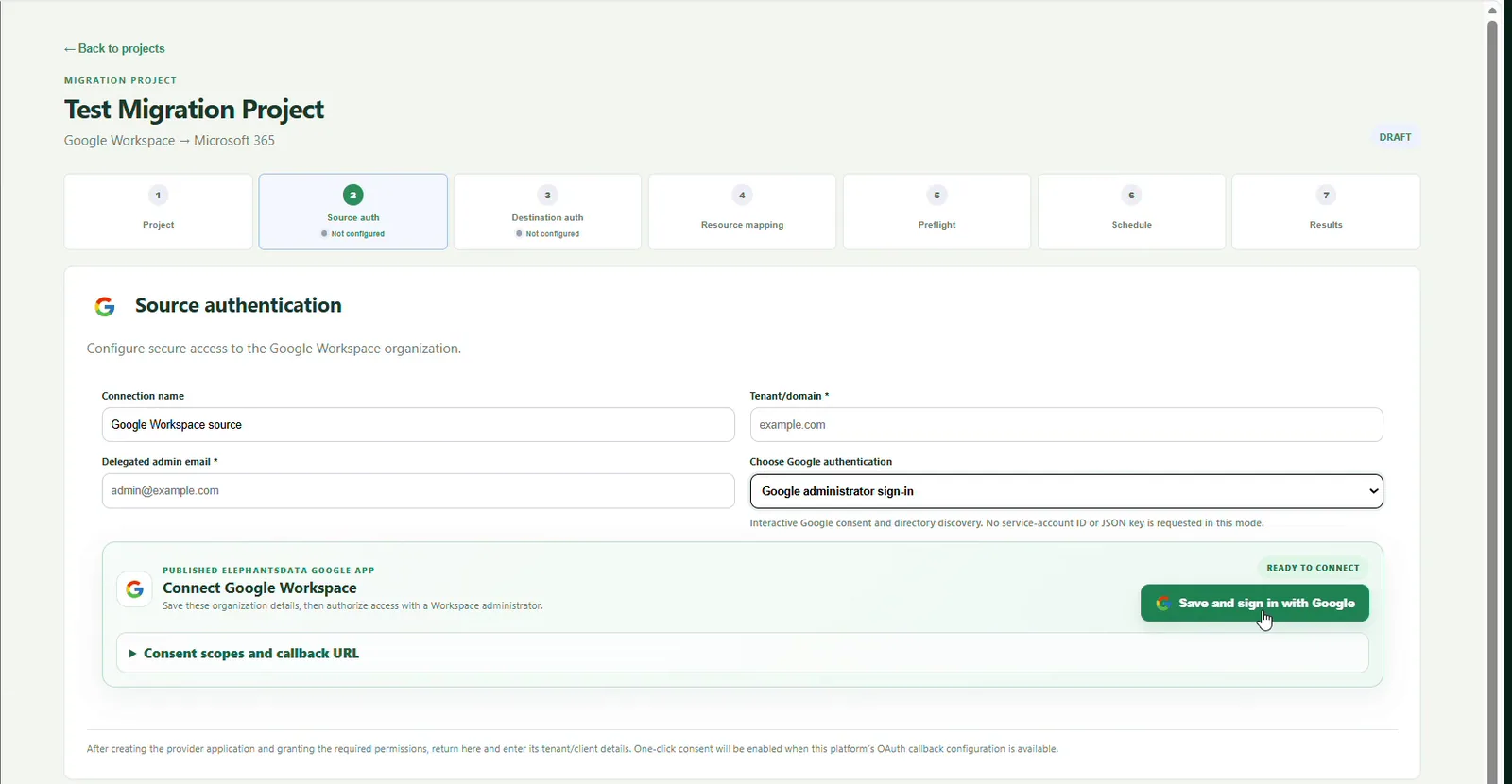
ElephantsData is a cloud and email migration tool for building a controlled path between provider accounts. You choose the source, authenticate the destination, map each user or resource, run readiness checks and review outcome evidence after transfer.
Encrypted migration pipeline: ElephantsData moves selected data between your authorized source and mapped destination. Keep an independent backup until you have validated the destination and formally accepted the migration results.
How to migrate data free with ElephantsData
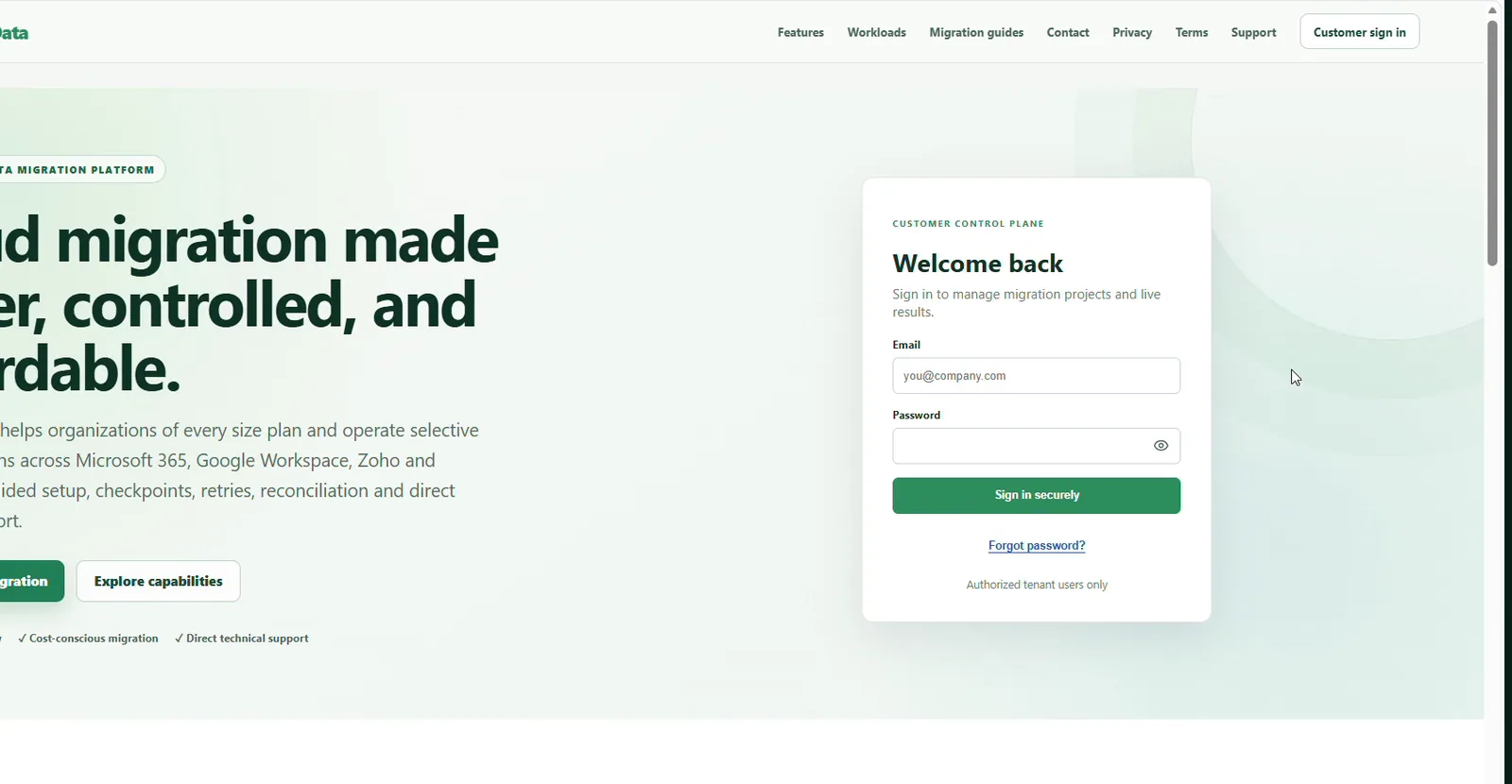
- Create a free account. Sign up at ElephantsData and open the control plane.
- Create a project. Give it a clear name, then select the source and destination.
- Connect both platforms. Use provider authorization or compatible authenticated IMAP access. Never share passwords in project notes.
- Map resources. Match each source mailbox, drive or library to an explicit destination account.
- Run preflight. Fix permission, licensing, quota and mapping errors before moving data.
- Start with a pilot. Migrate a small representative group and inspect transferred, skipped and failed items.
- Run and validate. Schedule the approved batch, review reports and perform a latest-changes pass when supported.
How to migrate email free
Create an email migration project, connect the source mail service and Microsoft 365 destination, then discover and map the mailboxes. Verify that destination users have Exchange Online licenses and enough quota. Run a pilot before scheduling the full migration.
- Gmail or Google Workspace: use the Google authorization flow, select approved users and map them to Microsoft 365 mailboxes.
- Rediffmail: choose Rediffmail or compatible IMAP access, provide the server settings permitted by your plan, test authentication and map each mailbox.
- Zoho Mail: authorize or configure the supported Zoho route, select users and validate destination readiness.
- Other email providers: use the IMAP route when the provider offers compatible secure access.
IMAP normally migrates email messages and folders exposed by the source server. Contacts, calendars, rules, delegates and archives may require a provider-specific workflow or separate handling. See the full email migration tool guide, IMAP instructions and Zoho Mail guide.
How to migrate OneDrive, Google Drive and Zoho WorkDrive data
For file migration, confirm that every destination OneDrive account or target library is provisioned and has enough capacity. Connect the source, discover users and files, map each source owner to a destination, then run preflight and a representative pilot.
- Google Drive to OneDrive: authorize Google Workspace and Microsoft 365, map users, select Drive, verify permissions and run the batch.
- OneDrive migration: connect the Microsoft 365 source and destination tenants, select the supported drive workload and confirm destination provisioning.
- Zoho WorkDrive: connect the supported Zoho account, identify team folders or users in scope, map the destination and review unsupported metadata before migration.
Review sharing links, external collaborators, file versions, native document conversion, invalid names and path limits separately. A copied file does not guarantee that every source permission or link can be recreated. Read the Google Drive to OneDrive guide.
How to migrate Google Photos
For a complete-library migration, prepare the supported Google Takeout export, confirm that the archive is complete and select the mapped OneDrive destination. ElephantsData processes the migration pipeline and records progress and exceptions so you can validate the resulting photo folders.
- Create and download the complete Google Takeout Photos export.
- Keep all archive parts together and do not rename individual parts.
- Map the export owner to a provisioned OneDrive destination.
- Run preflight, migrate a sample and compare counts and exceptions.
Albums, edits, partner sharing and metadata sidecars may not behave like ordinary files at the destination. Review the detailed Google Photos to OneDrive guide before deleting anything from Google.
Before you start a production migration
- Back up critical data and document the approved migration scope.
- Confirm source API or IMAP access, destination licenses and storage quotas.
- Use least-privilege administrator accounts and revoke access after acceptance.
- Communicate the migration window and any user action required.
- Do not delete source data until reports and user checks are complete.
Frequently asked questions
Is ElephantsData free to use?
Answer: Yes. ElephantsData is currently available free to use. Optional coffee contributions support the project, while provider licensing, storage, network and tenant charges remain the customer's responsibility.
Can I migrate Rediffmail email?
Answer: Yes, when the Rediffmail mailbox and plan provide compatible authenticated access. Create a Rediffmail or IMAP source, test access, map it to the destination mailbox and run a pilot first.
Can I migrate Zoho Mail and Zoho WorkDrive?
Answer: ElephantsData supports Zoho migration workflows. Configure the appropriate Zoho connection, choose the mail or WorkDrive workload available for the route, map users and verify a pilot before the full batch.
How does ElephantsData handle data during migration?
Answer: ElephantsData provides an encrypted, customer-authorized source-to-destination migration pipeline. Temporary processing and operational records depend on the configured route and retention controls.
Start your free migration project
ElephantsData brings source connection, destination authentication, resource mapping, preflight, scheduling and migration evidence into one guided workflow. Start free, test a small migration and expand only after you are satisfied with the results.